Auto Create Screenshots with VLC
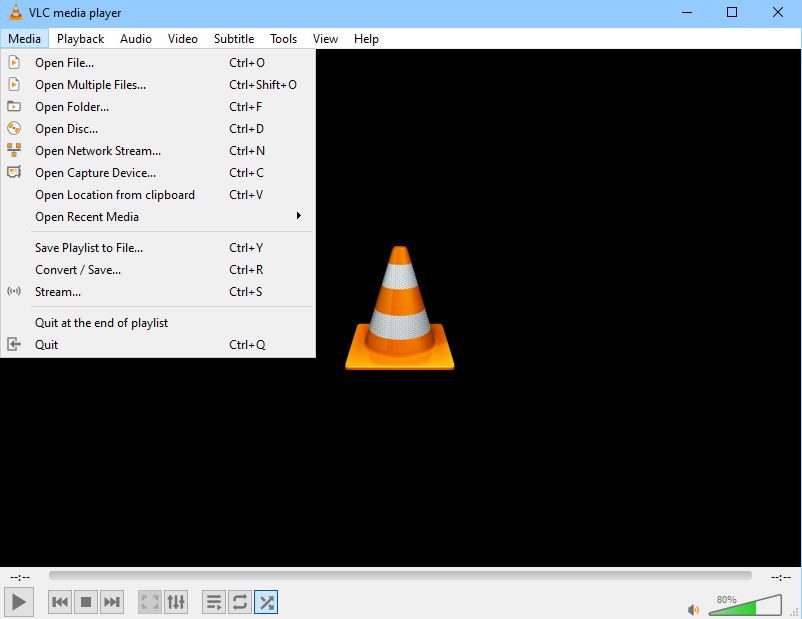
This is a tip to help you create automated screenshots/snapshots with VLC media player from the command prompt. Create a folder, for example: C:\OUTPut the video file INPUT.mp4 in the root C:\ Then enter the following line at the command prompt: This takes a snapshot of every frame: “C:\Program Files (x86)\VideoLan\VLC\vlc.exe” –video-filter scene –scene-ratio 1 … Read more